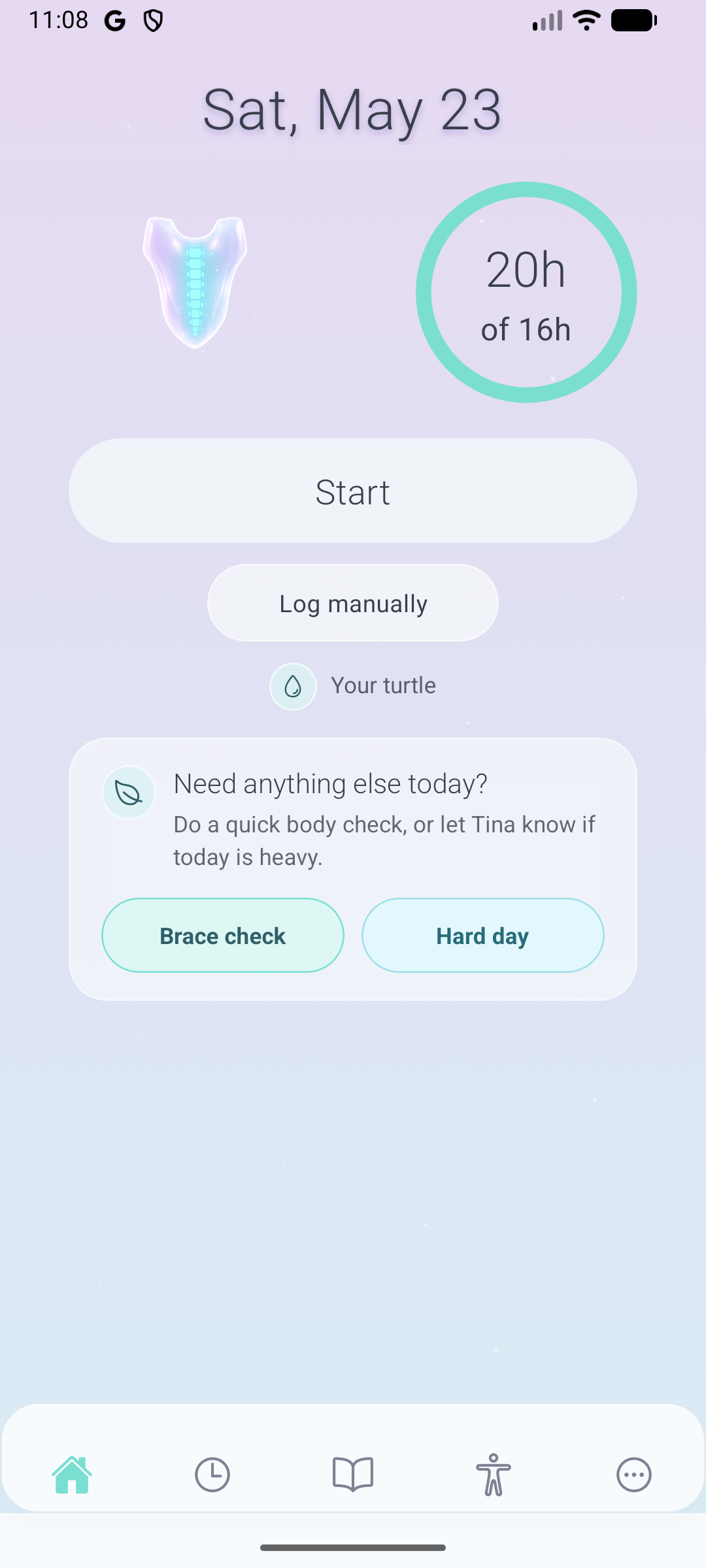
Daily brace timer
See today at a glance, start or adjust wear time, and visit your turtle without digging through menus.
Track brace time, check in with your body, keep physio moving, prepare for appointments, and visit Turtle Lake, where a gentle turtle companion marks progress without turning treatment into homework.
Available now on iPhone and Android (Google Play).
The app is built around the real daily loop: brace wear, body signals, movement, appointments, and the emotional work of getting through treatment.
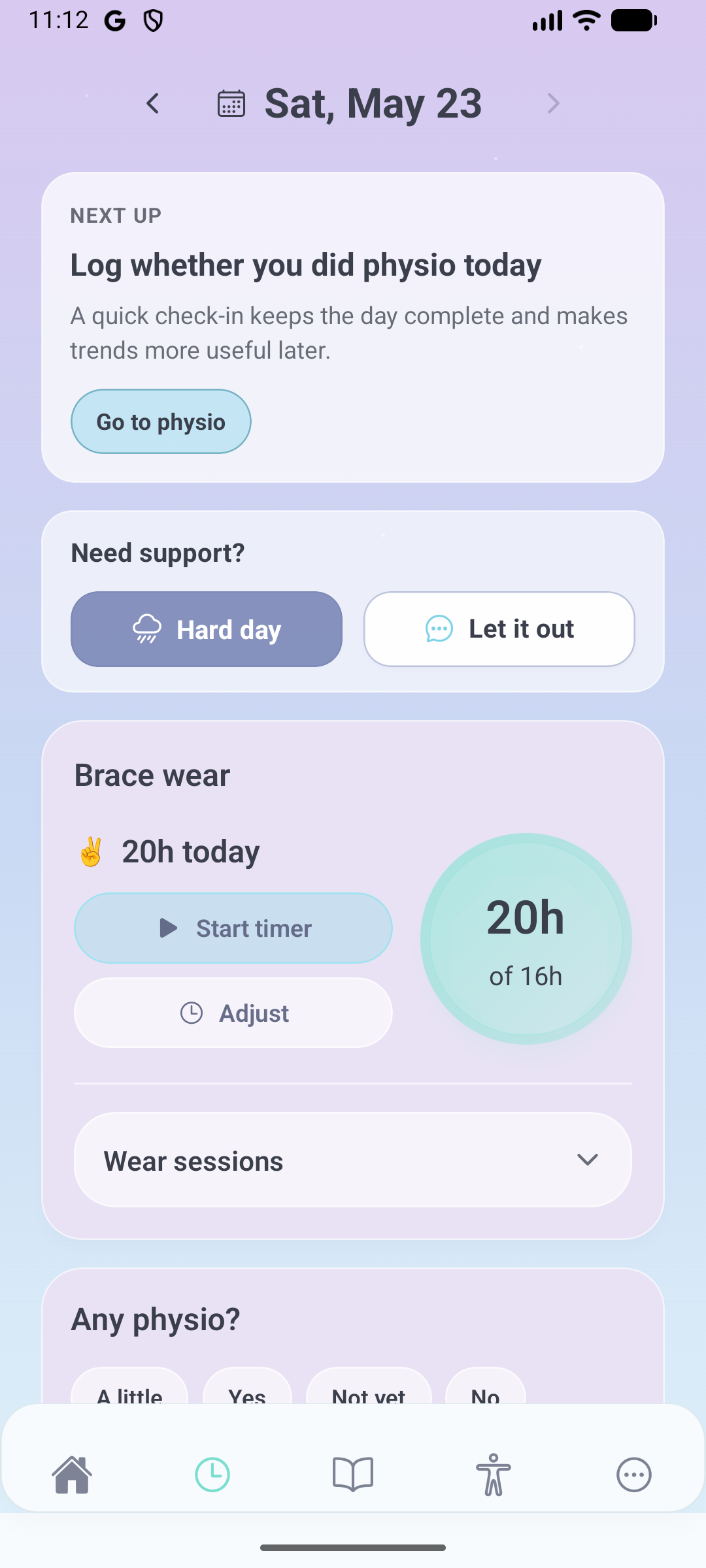
Start a timer, adjust a session, or log manually when life gets messy. Tina keeps the numbers useful without turning missed time into shame.
Log pain, comfort, sleep, mood, and brace rubbing in quick check-ins that can reveal patterns before the next appointment.
Use built-in or custom routines, reminders, and recent session history so exercises are easier to restart after a hard week.
Keep appointment questions, brace changes, spine notes, and reports together so you are not rebuilding the story from memory.
Invite a guardian when you choose. They see brace-relevant trends, not private notes, journal entries, or raw logs.
Real screens from the current Tina build.
See today at a glance, start or adjust wear time, and visit your turtle without digging through menus.
Backfill wear sessions, log physio, record pain or discomfort, and keep the day complete.
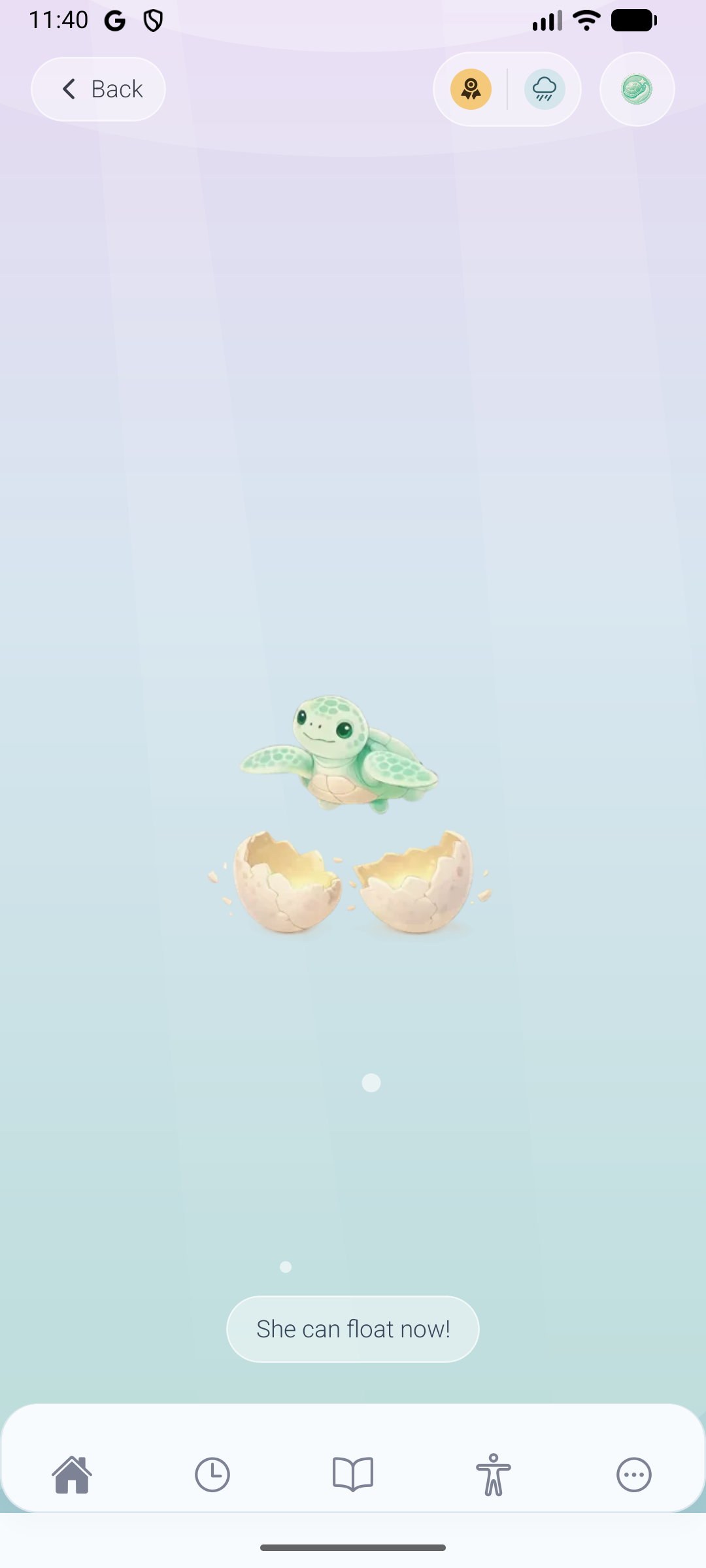
Your turtle companion grows with the care you put in, making progress feel visible and steady.
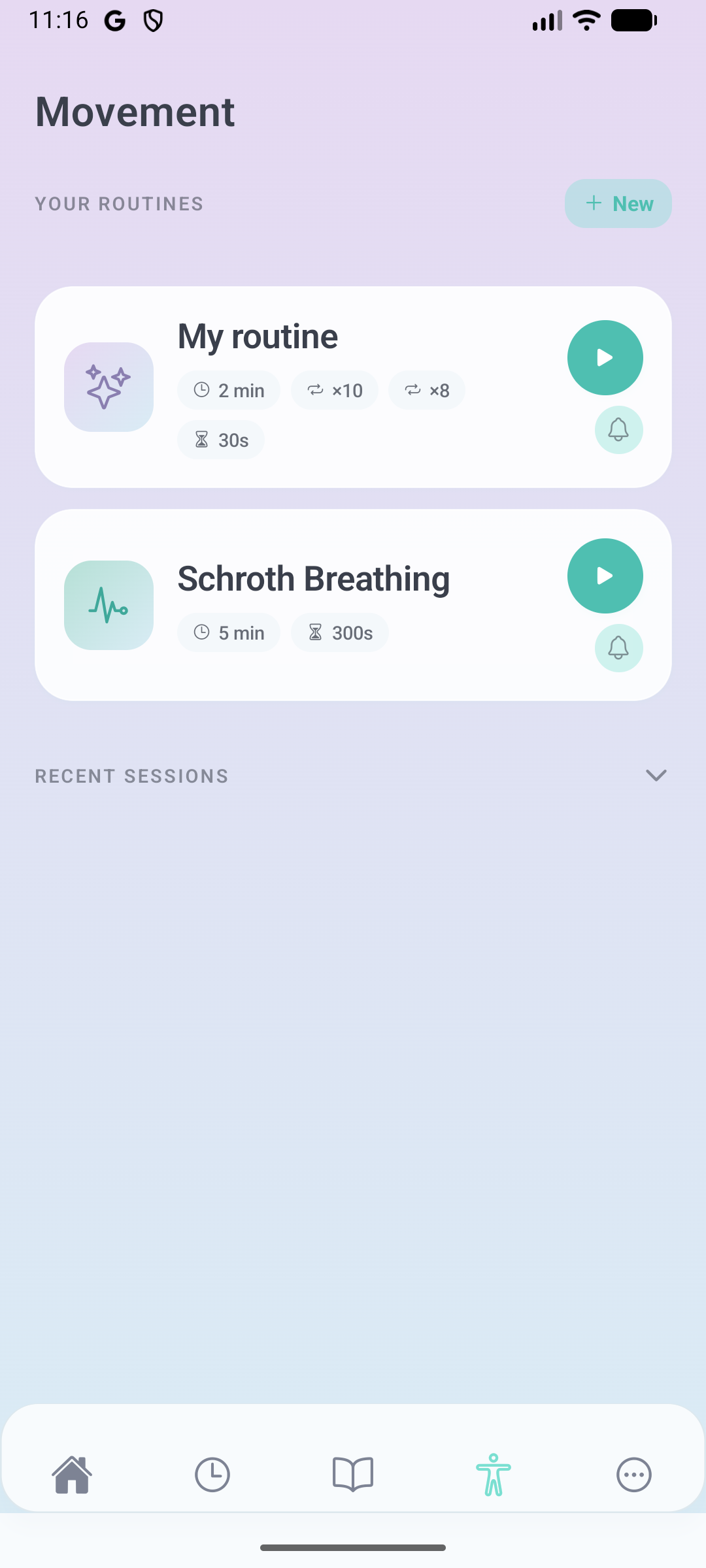
Start physio routines, create your own, set reminders, and keep a recent-session rhythm.
Tina is not just a tracker. It gives brace wearers a private place to let hard feelings move through, reflect, and come back to the day.
Drop a heavy thought into a quiet lake scene when you need to put something down for a moment.
A gentle turtle companion grows with your care journey, helping small moments of care feel visible, steady, and worth noticing.
Body grief, gratitude, hard-day support, and appointment prep all live near the daily tools, not in a separate clinical dashboard.
We collect the minimum data needed to make Tina work. No ads, no selling data, and clear controls to delete or export your information.
No social feed, no public profile, and no private notes shared unless you explicitly choose to share summaries.
In-app analytics stay off until the user opts in, and can be turned off again later.
Delete your account in Settings and export reports or notes when you need them.
Real stories and practical guidance for life with scoliosis, from Tina. Read thoughtful articles, meet people through community stories, or share your own story.
Read articlesWe are preparing a small pilot with orthotists, physiotherapists, and scoliosis teams who want a gentler way to understand how brace life is going between visits.
Invite a parent or guardian to see trends, not raw data. You decide when to share and you can turn access off at any time.
Share a brace digest with wear trends, rough nights, recurring discomforts, and follow-up questions without sharing private notes.
Guardian access is opt-in, revocable, and kept separate from the wearer’s private reflection space.
Shared summaries are built to support calmer conversations and better appointment follow-up, not surveillance.
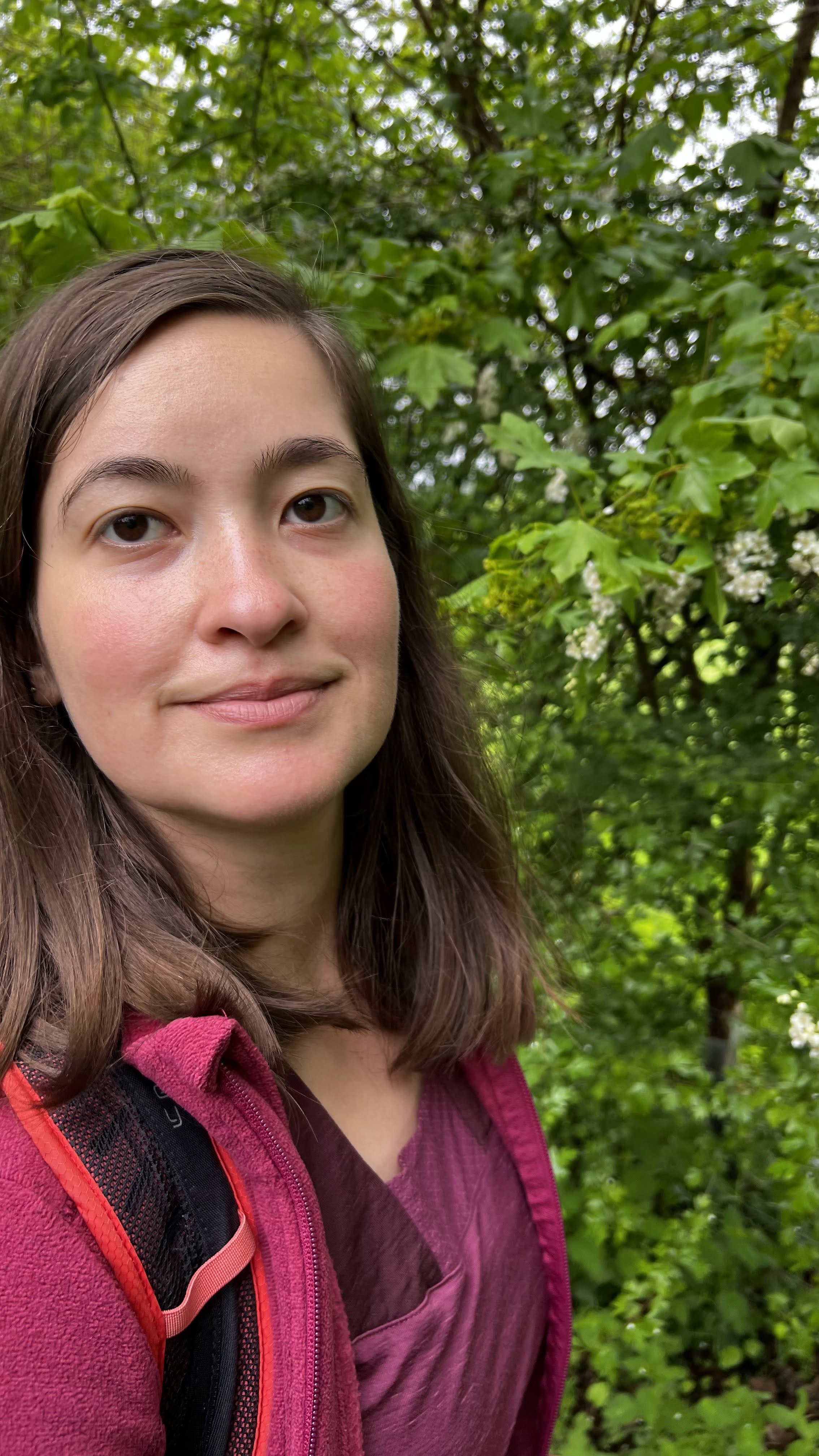
Growing up, I didn’t just wear one brace — I wore three. Each one came with its own rules, its own discomfort, its own invisible weight. Tina exists because brace wear is more than compliance. It’s identity. It’s learning how to endure.
Read the full storyTina is live for both iPhone and Android.
Download Tina from the App Store if you use Apple devices.
Use this if you have an iPhone or iPad.
Download Tina from Google Play if you use Android devices.
Use this if you have an Android phone or tablet.